

What Priscale does
Seven answers to the same question.
Every screen in Priscale exists to tell you one thing before you send the quote: does this price make you money? Here is how each part of it gets you there, worked on a single $925 job.
Pricing Spectrum
About 30 prices, and the ones that fit the room you are in.
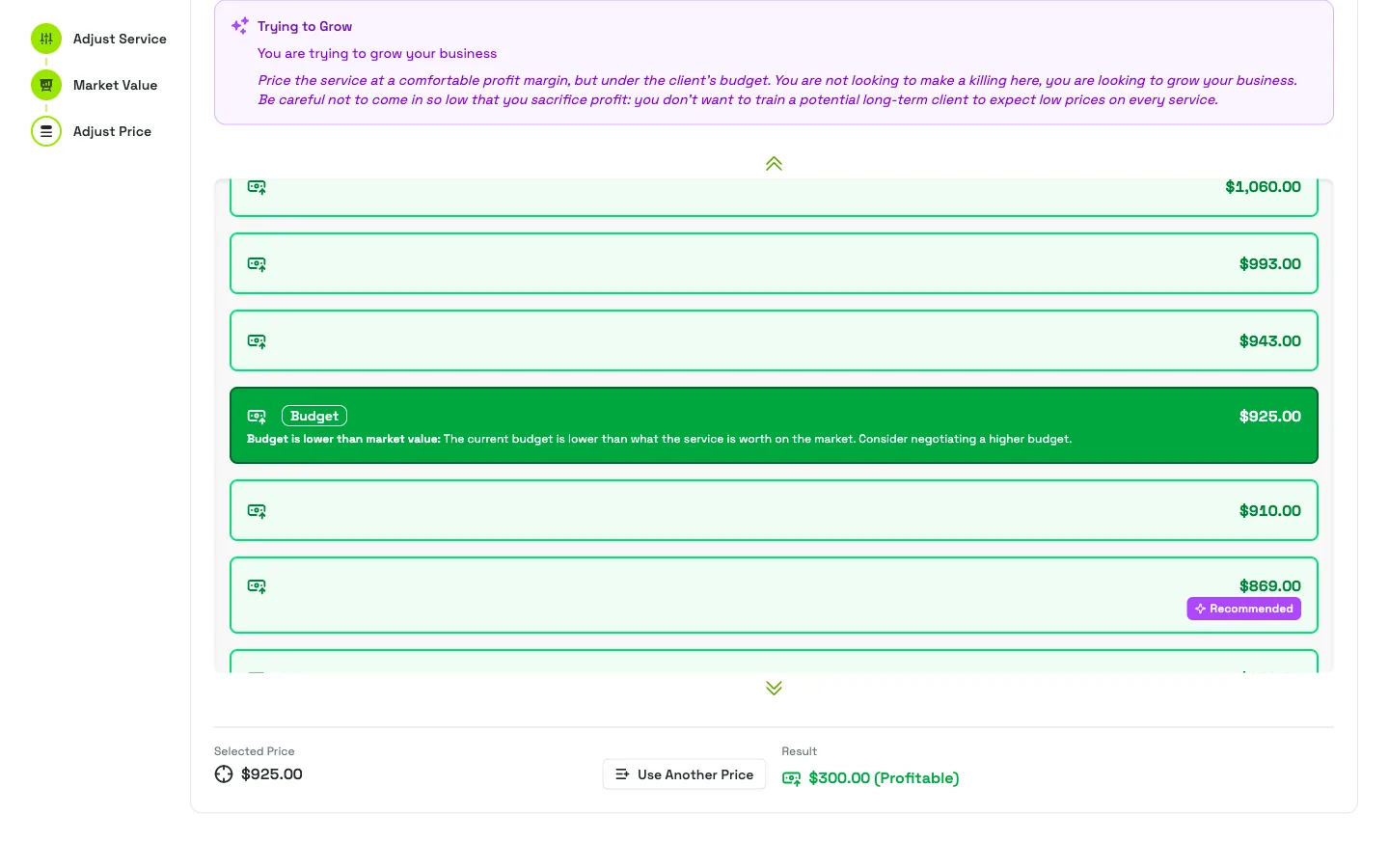
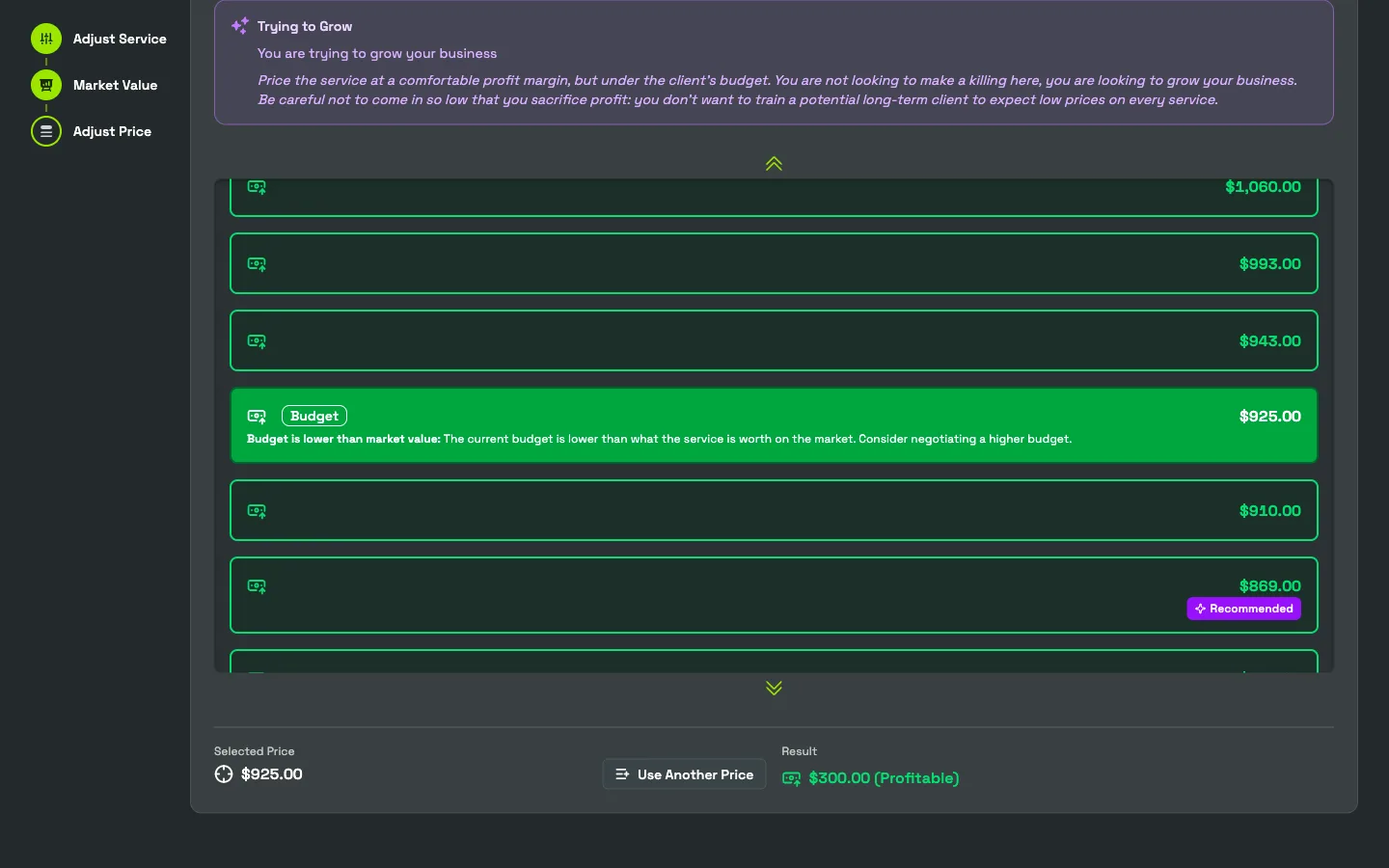
Priscale lays out roughly 30 candidate prices, from well below your break-even floor to just past the market value, each one flagged loss, break-even, or profit. Then it flags the ones that fit the situation you are actually negotiating: trying to grow, a slow season, a customer worth keeping, a client you already know will be difficult.
The recommendations come out of a hand-coded algorithm, not AI. The same inputs give the same spectrum every time, and every candidate traces straight back to numbers you entered yourself.
Situational recommendations
- Desperate for work
- $685.00 +$60.00
- Client taking lots of bids
- $765.00 +$140.00
- Trying to grow
- $835.00 +$210.00
- Difficult client
- $1,225.00 +$600.00
Transparent estimates
The line-item breakdown that ends the haggle.
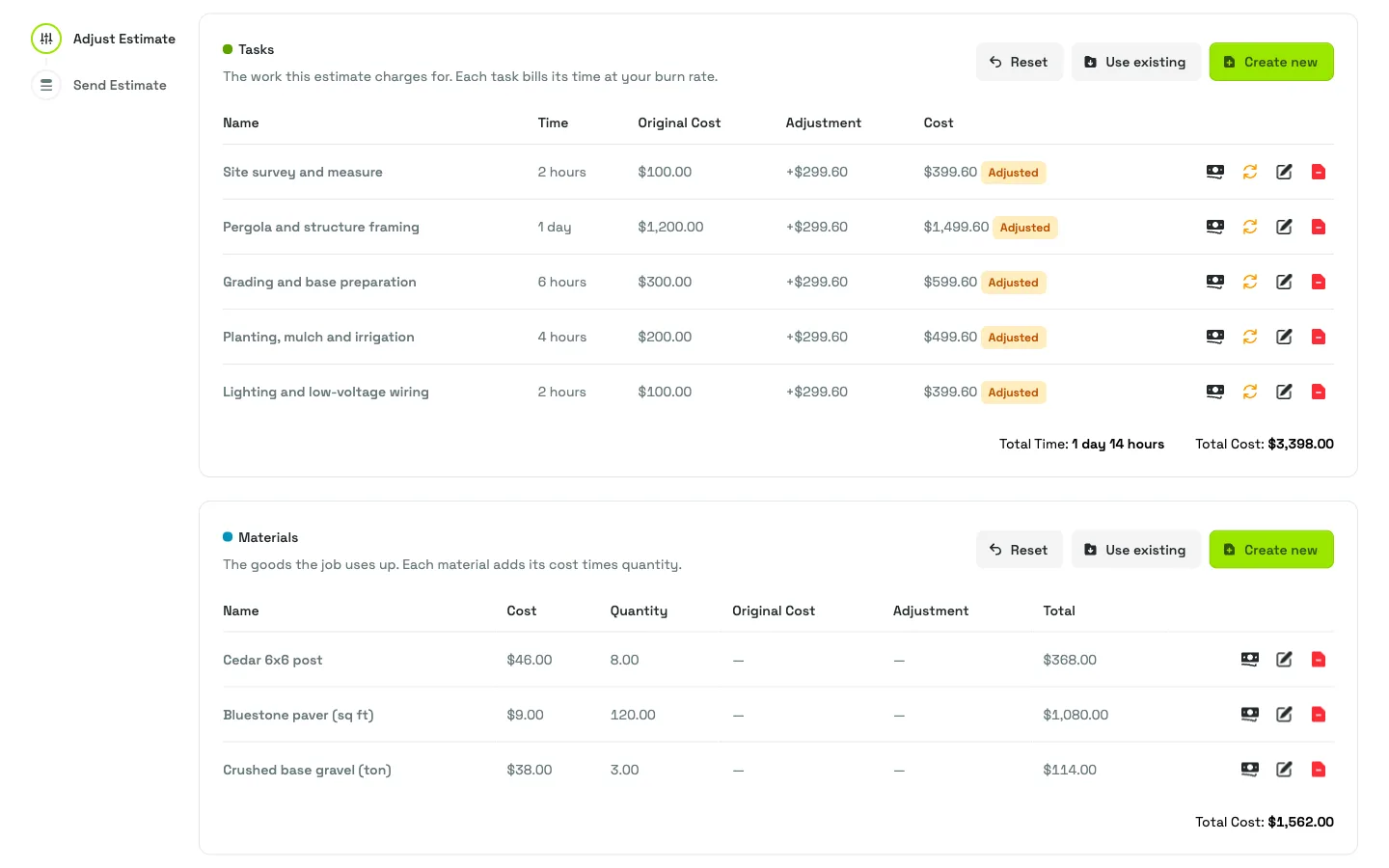
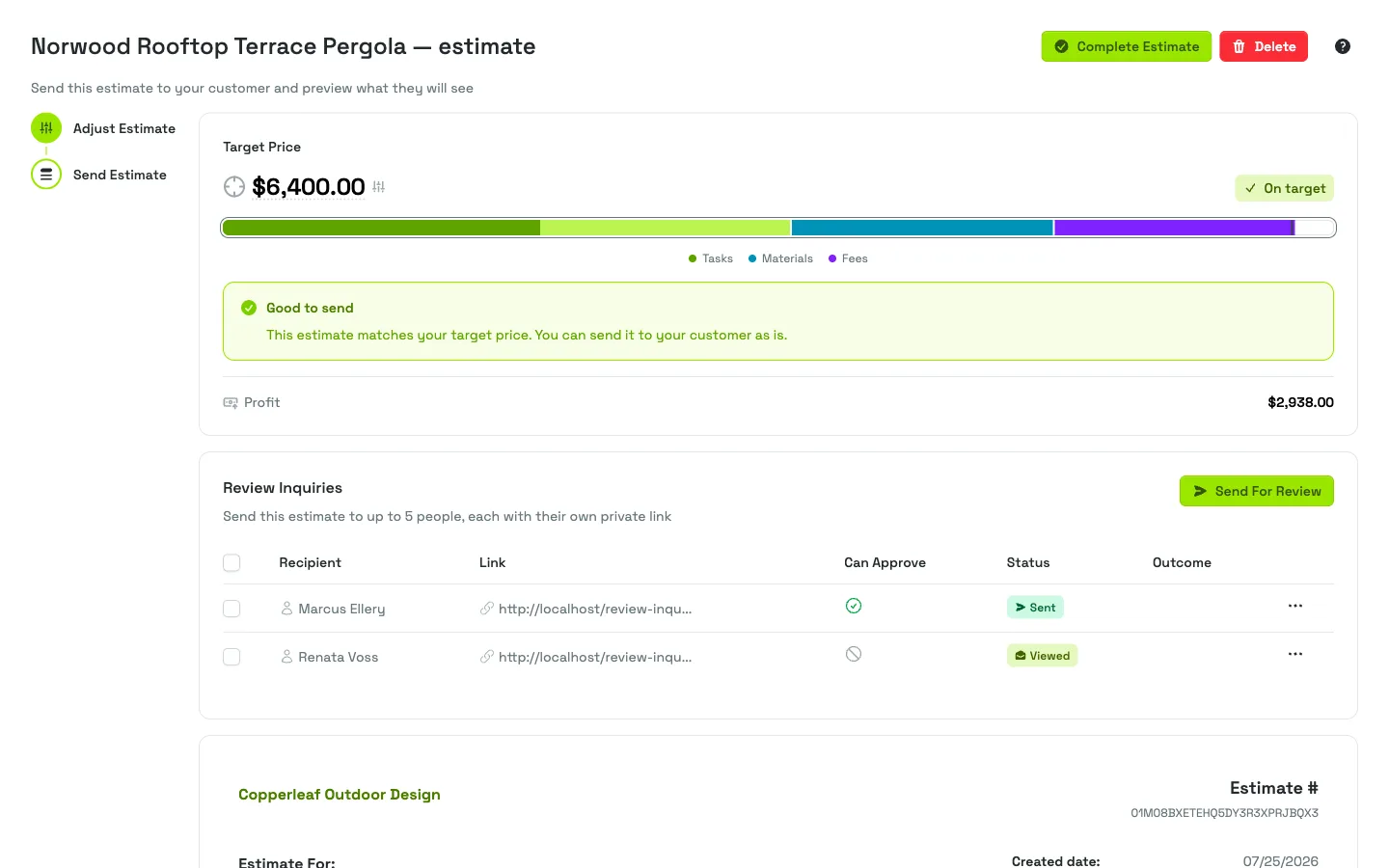
Your customer sees the labor, the materials, and the fees written out, with your profit already inside the price instead of bolted on at the bottom. No more “why does this cost that much?” — the estimate already answered it.
Because the breakdown comes straight from the priced project, every line starts from the priced project rather than from a number invented at the bottom. Change a task and the estimate changes with it.
One job, itemized
- Labor
- $497.00
- Materials
- $128.00
- Profit, spread across the lines
- $300.00
- Estimate total
- $925.00
Close the gap
Name your target, then press distribute.
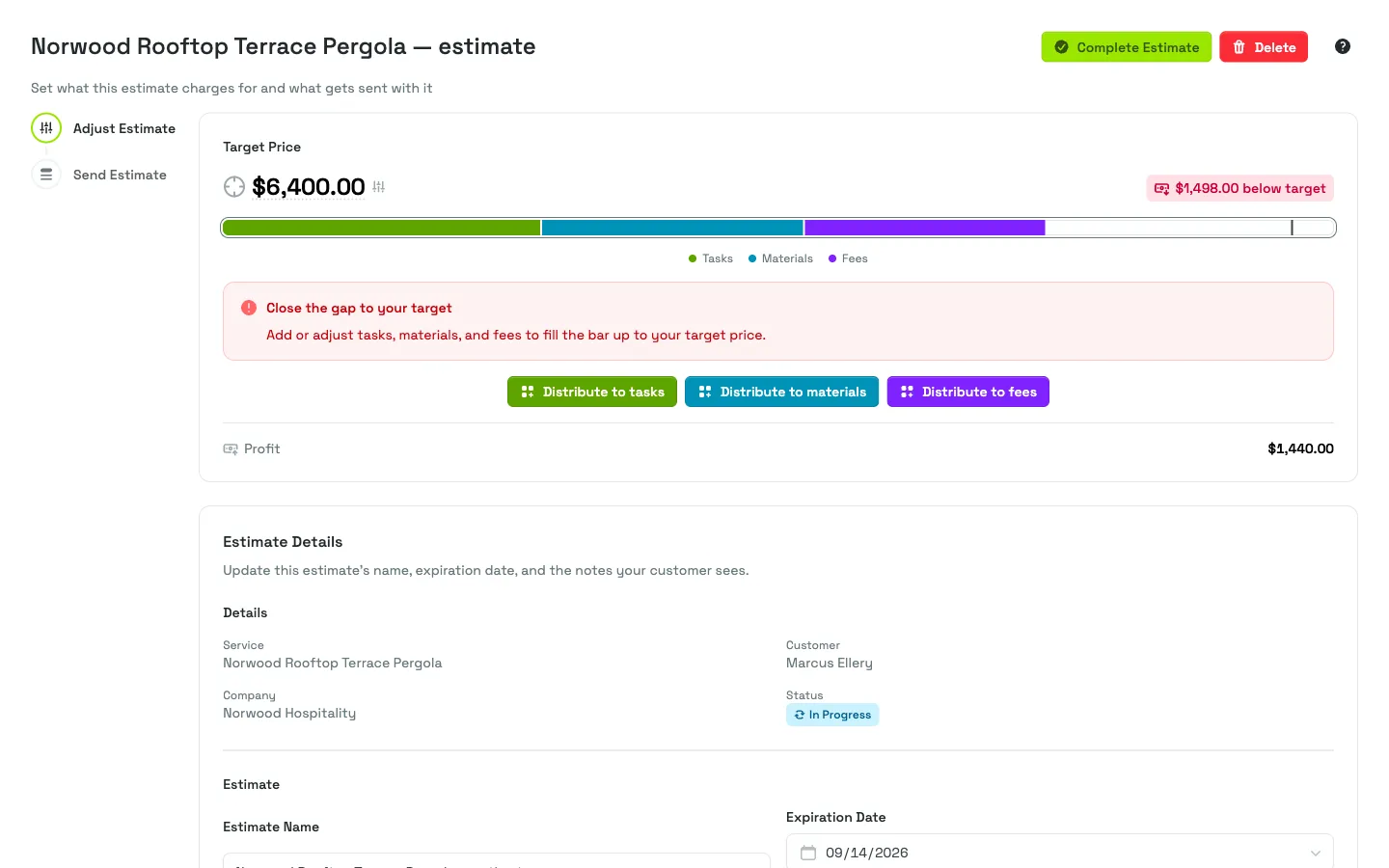
Pick the price you want and Priscale shows you the gap between it and what the job costs today. One button per section spreads the difference evenly across your tasks, materials, or fees, so every line still looks like the work it describes.
Prefer to do it by hand? Move any line yourself and watch the gap close as you go. The target never moves on you.
Distributing $300.00
- Target price
- $925.00
- Production cost
- $625.00
- 5 tasks, evenly split
- +$60.00
- Gap remaining
- $0.00
Market Value
Know how low you can go and still make money.
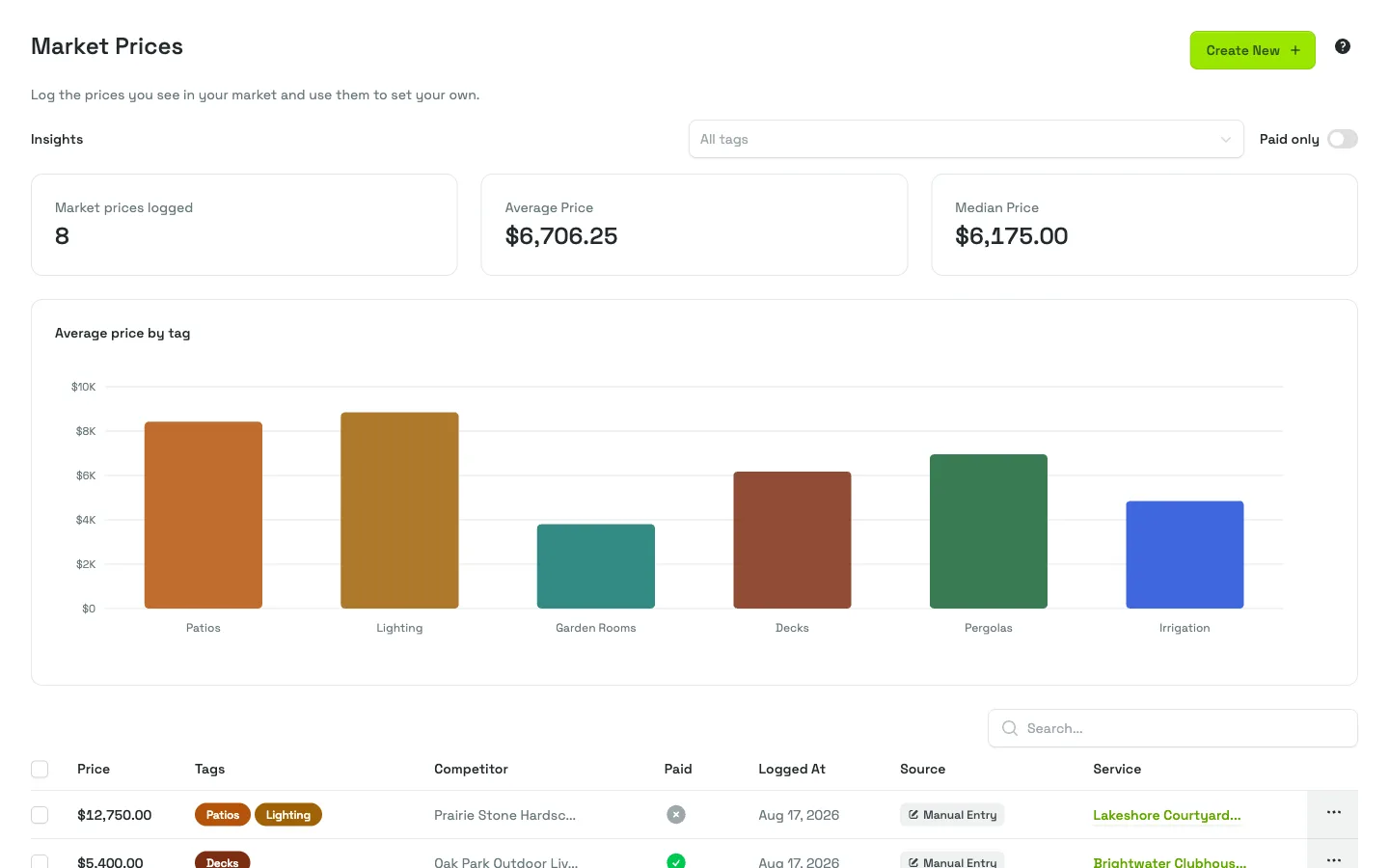
Log the prices you hear quoted and the ones customers actually approved, and adopt one of them as the market value for this kind of job. Put that ceiling next to your floor and the whole negotiating range is on one screen: below $625.00 you are paying to work, and $1,195.00 is the top of the market.
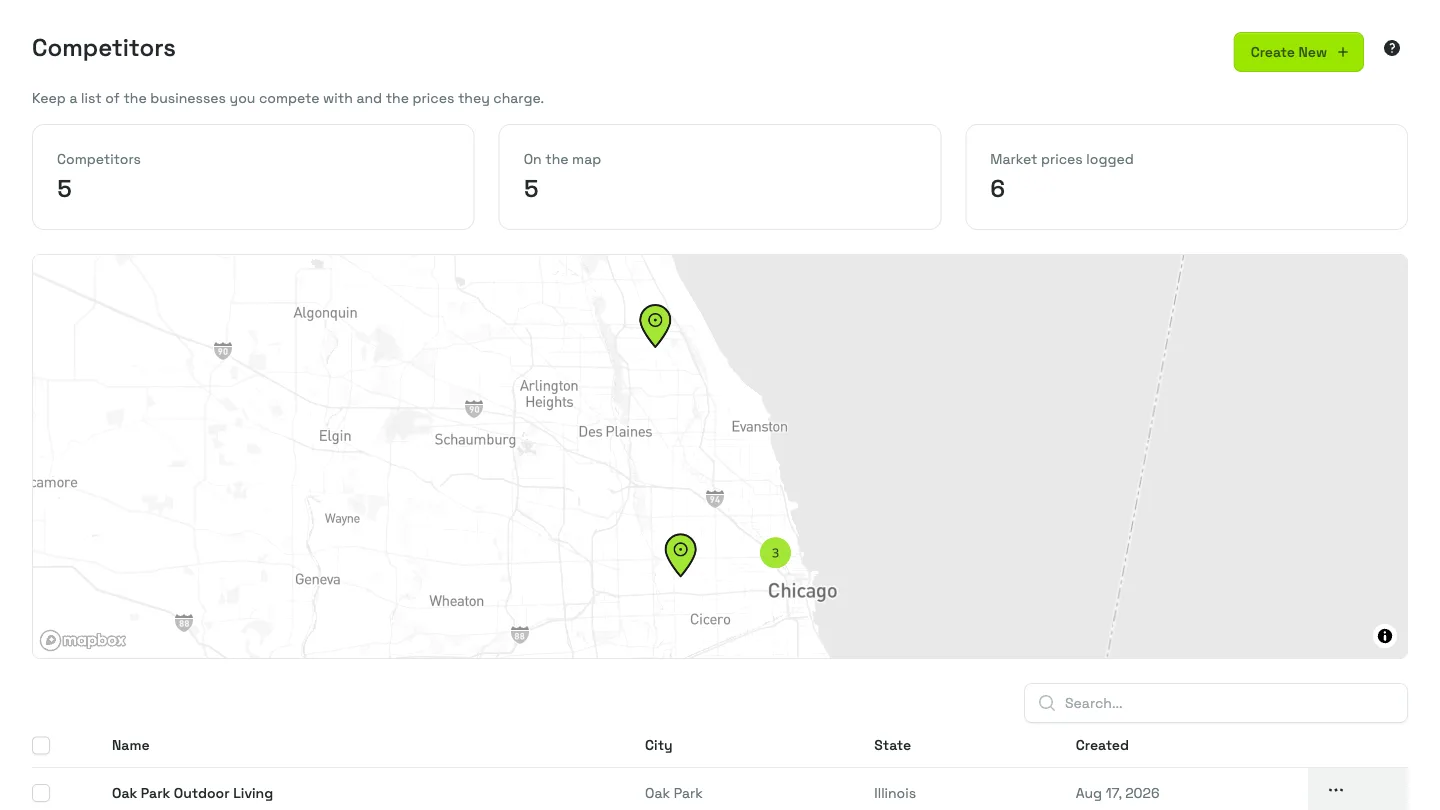
The competitor map pins the businesses you bid against where they really operate, so “the market” means the market on your side of town rather than a national average.
What the job goes for
- Highest price heard
- $1,195.00
- Highest approved
- $1,050.00
- Your floor
- $625.00
- Room to move
- $425.00
Estimates that work
Send it, and know exactly what happens next.
Send the estimate for review as a secure link. You can see when it was opened, name the person whose approval actually counts, and get a notification the moment they sign off. Your customer never needs an account.
Agreements ride along attached to the estimate, a payment link can sit at the bottom of it, and the whole document exports as a PDF whenever you need a copy on paper.
One job, sent for review
- Sent for review
- Mar 04
- Opened
- Mar 05
- Approver
- D. Reyes
- Approved
- $925.00
Presets
An estimate ready by the time you walk back to your car.
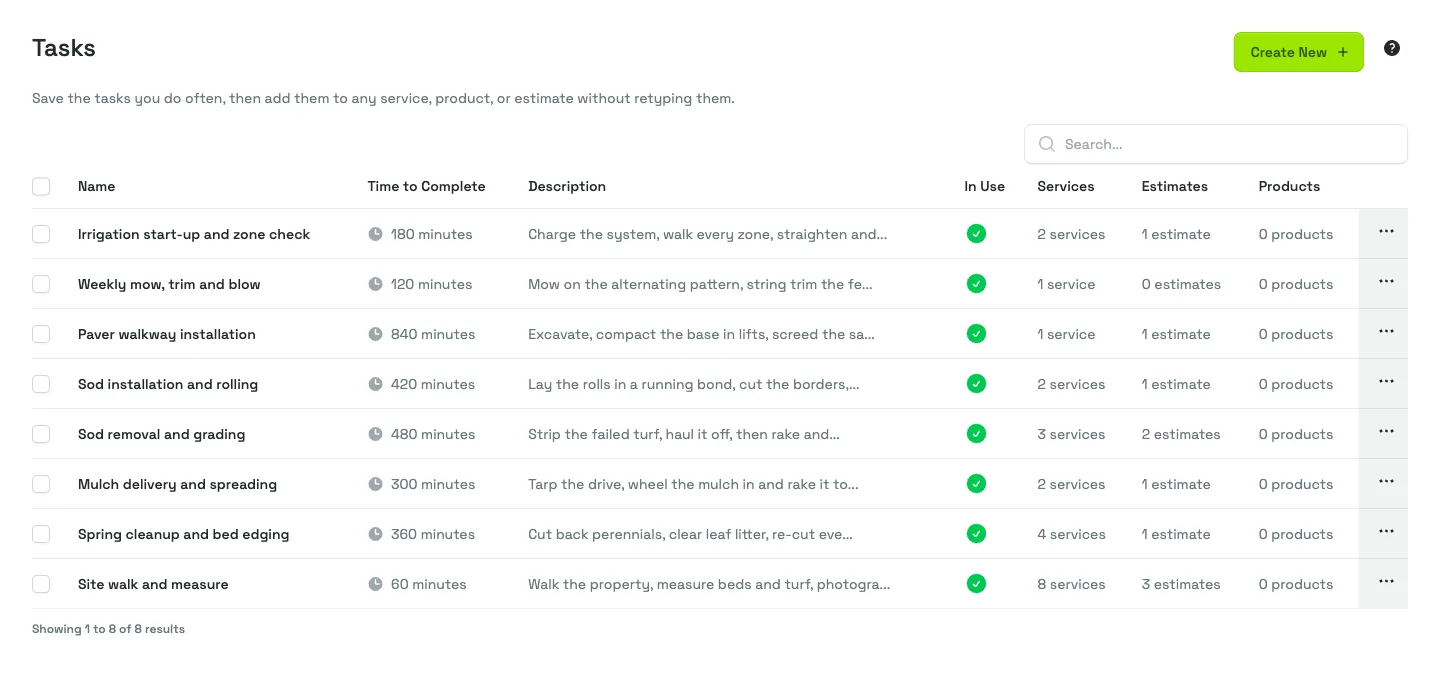
Save the tasks, materials, fees, and agreements you use over and over. On the next job you pick them off a list instead of typing them again, and they arrive already priced at your rates.
It is the difference between quoting from the driveway and quoting that evening, after dinner, from memory.
Saved and ready to reuse
- Tasks
- 24
- Materials
- 61
- Fees
- 5
- Agreements
- 3
- Typed again
- 0
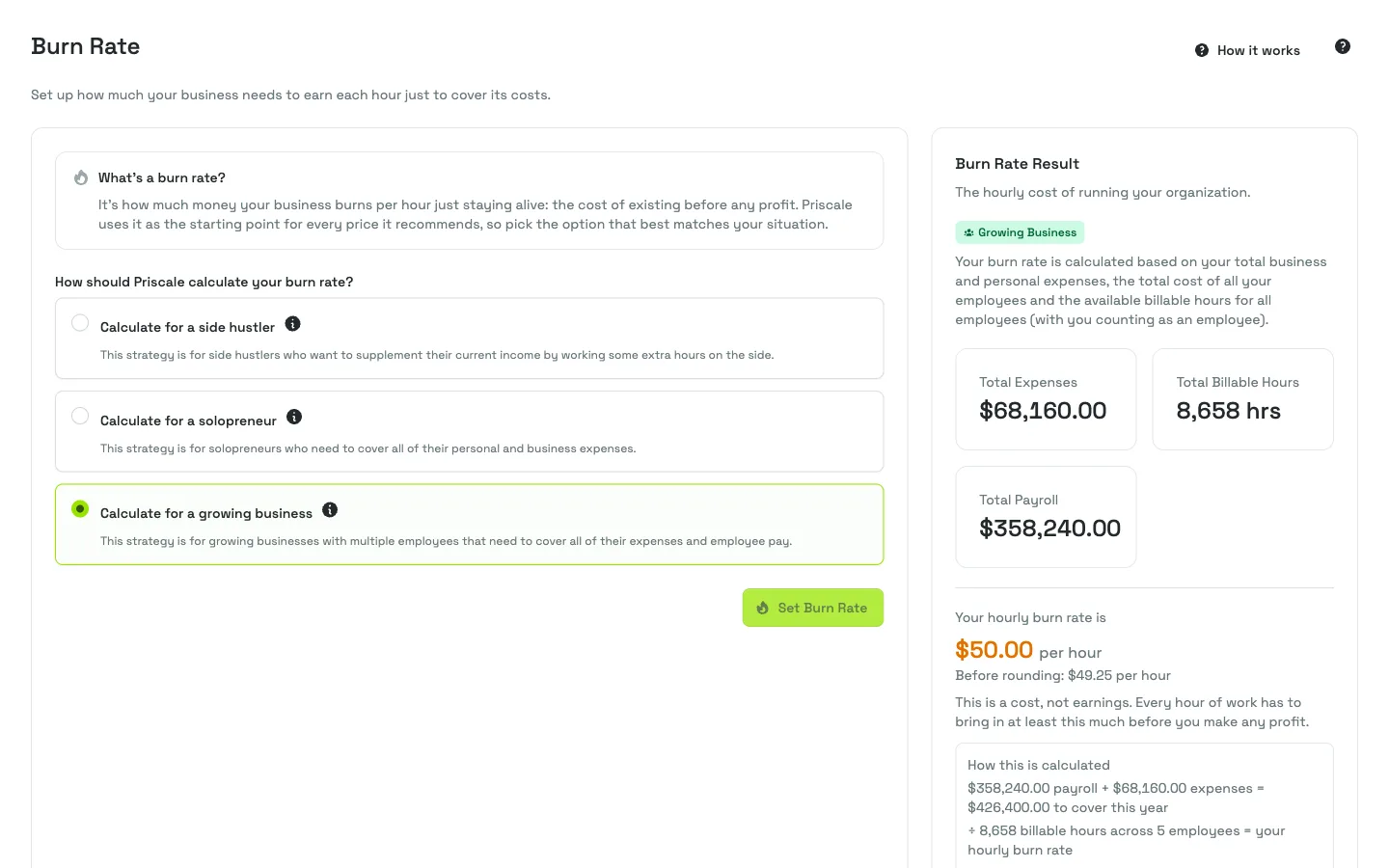
Burn rate & payroll
The lowest hourly rate that keeps the business afloat.
Add your expenses, your employees, and the billable hours the team genuinely has to sell. Priscale divides one by the other and hands you the rate the business has to earn just to stand still — $46.10 an hour for the shop in this example. Every task on every estimate is priced off it.
Track billable hours across employees and the picture sharpens: how much of each person’s day is genuinely sellable, how much is not, and what that does to the rate everything else depends on.
Per year
- Expenses & payroll
- $57,164.00
- Billable hours
- 1,240
- Burn rate
- $46.10/h
Where it fits
The tool before you need a QuickBooks.
Bookkeeping tells you how a job went once the money has already moved. Priscale works the other way round: it tells you whether a price makes you money before you send it, and it keeps the estimate, the agreement, and the approval in the same place afterwards.